
Turn Photos into PDF Reports
For inspections, job sites, claims, and listings
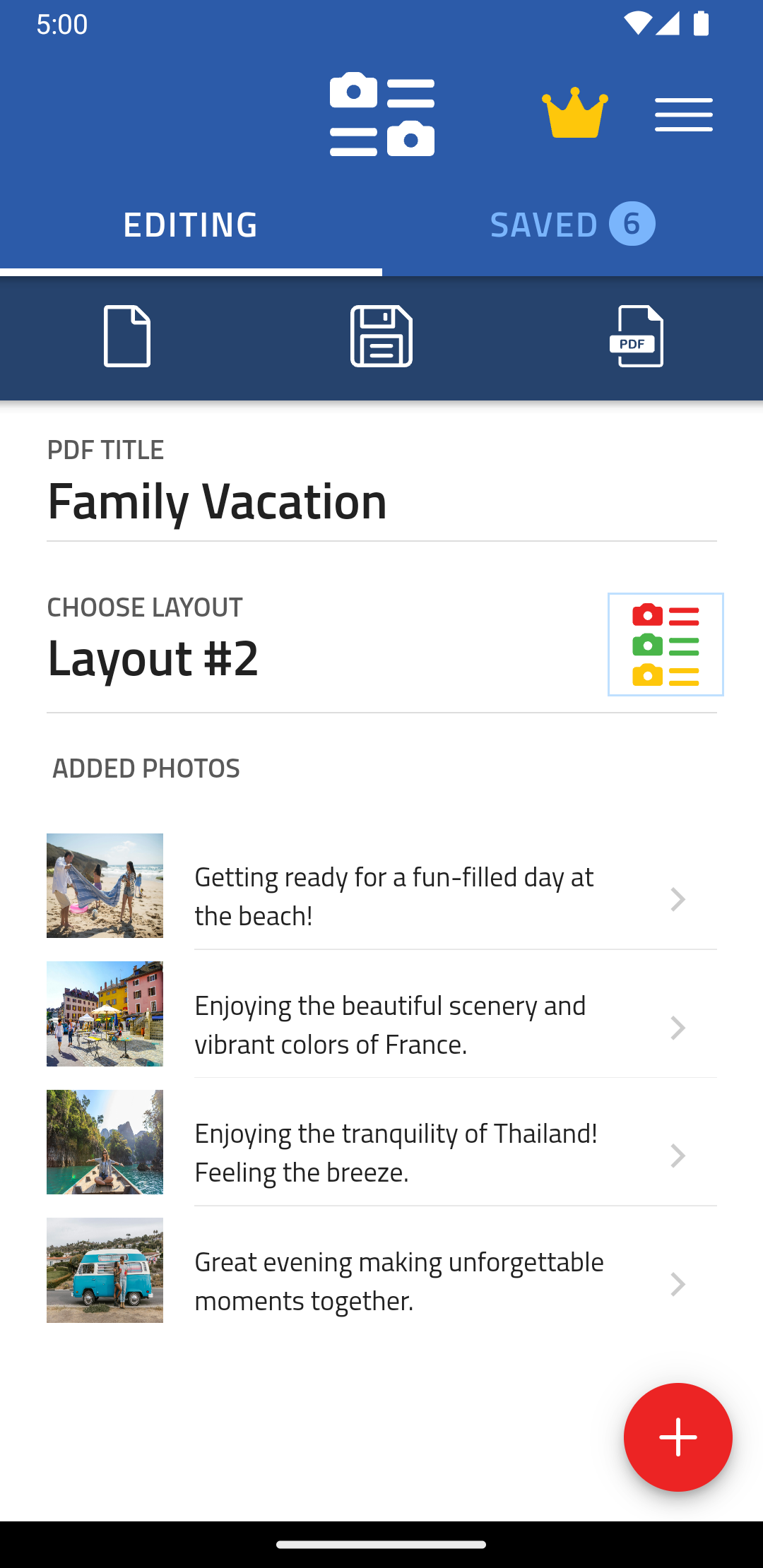
Create polished photo documents in seconds. Pick a layout, add your images, include descriptions, and export a high-quality PDF ready to share or print.


Create polished photo documents in seconds. Pick a layout, add your images, include descriptions, and export a high-quality PDF ready to share or print.
Simple grids, detailed arrangements, or something in between. Choose the layout that fits your photos and makes every page look professional.

Anywhere a job needs photographic proof with a note under each shot.
Home inspectors, landlords, and property managers turn a walkthrough into a report before they leave the driveway.
Site photo logs that show what changed week to week, with a note on each shot so nobody has to guess.
Document damage while it is fresh. A dated PDF with captions carries more weight than a folder of loose photos.
Rentals, dealerships, and fleets record the state of a vehicle at handover, so a dispute later has an answer.
Contractors show the work they actually did, side by side, in a document a client can open on any device.
Techs finish the visit with photographic proof of what they found and what they fixed, ready to send.
A clean listing sheet with the best shots and a line of detail under each room.
Small sellers put a catalog together from phone photos, with a description and price under every item.